
WIM, the production system for watch ateliers
For watch brands
WWIM · WATCH INVENTORY MANAGER
The software developed for small and medium-sized businesses.
As head of the workshop at an independent brand, I felt we were missing a tool that would answer most of our problems. Managing stock, the decoration and assembly procedures, following each watch and much more are key to what we do, and a software suite built to keep track of all that seemed essential to me. So I developed WIM in my spare time, to make my work as head of the workshop more efficient.
In the office: stock, movements, orders, deliveries, costing and reports.
At the bench, on a tablet: guides, 3D, part locations and build times.
3D bill of materials
Import your 3D model: click a part to see its stock, locations and orders.
Bench guides
Step-by-step assembly with oiling points pinned on the 3D model, even offline.
Stock & orders
Reorder points, purchase orders, deliveries checked against the full bill of materials.
Quality & traceability
QC checks, timing measurements and a PDF passport per watch with its full build history.
Finishing & swaps
Mark parts that need finishing or use another reference: the watchmaker sees it on the tablet.
Your data stays yours
Runs on your own computer, automatic backups, macOS & Windows, iPad or Android tablet, manuals in FR · EN · DE · NL.
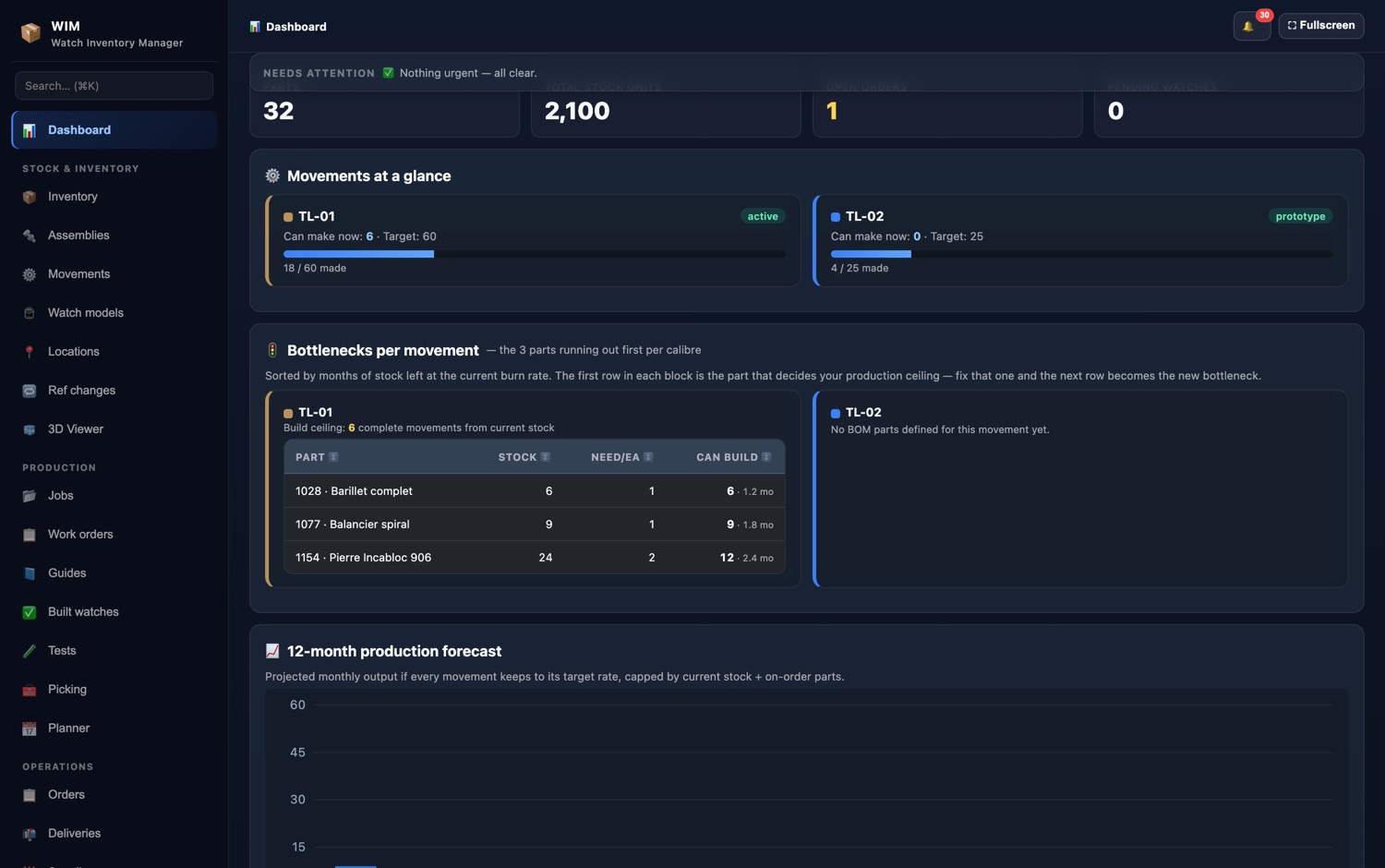
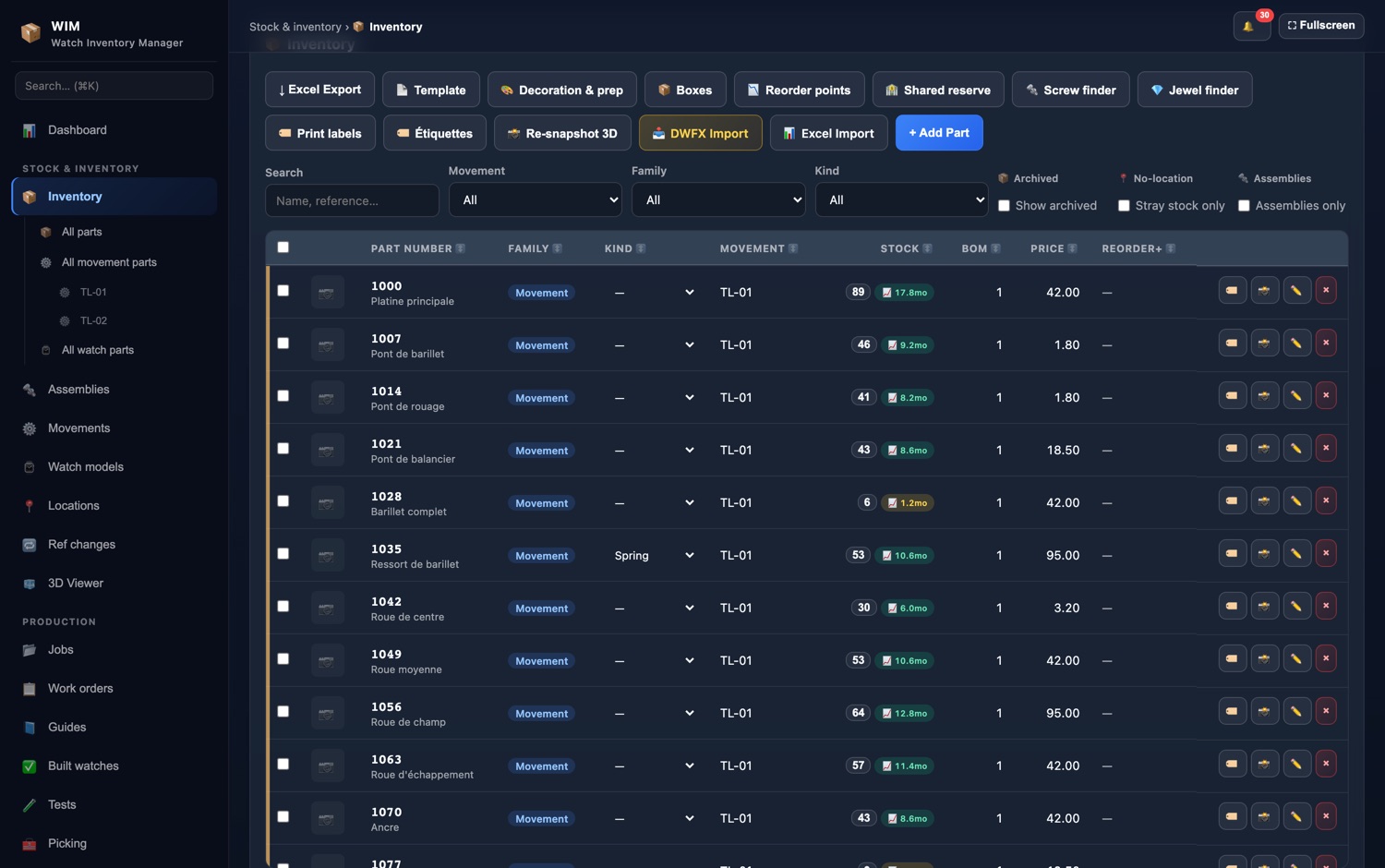
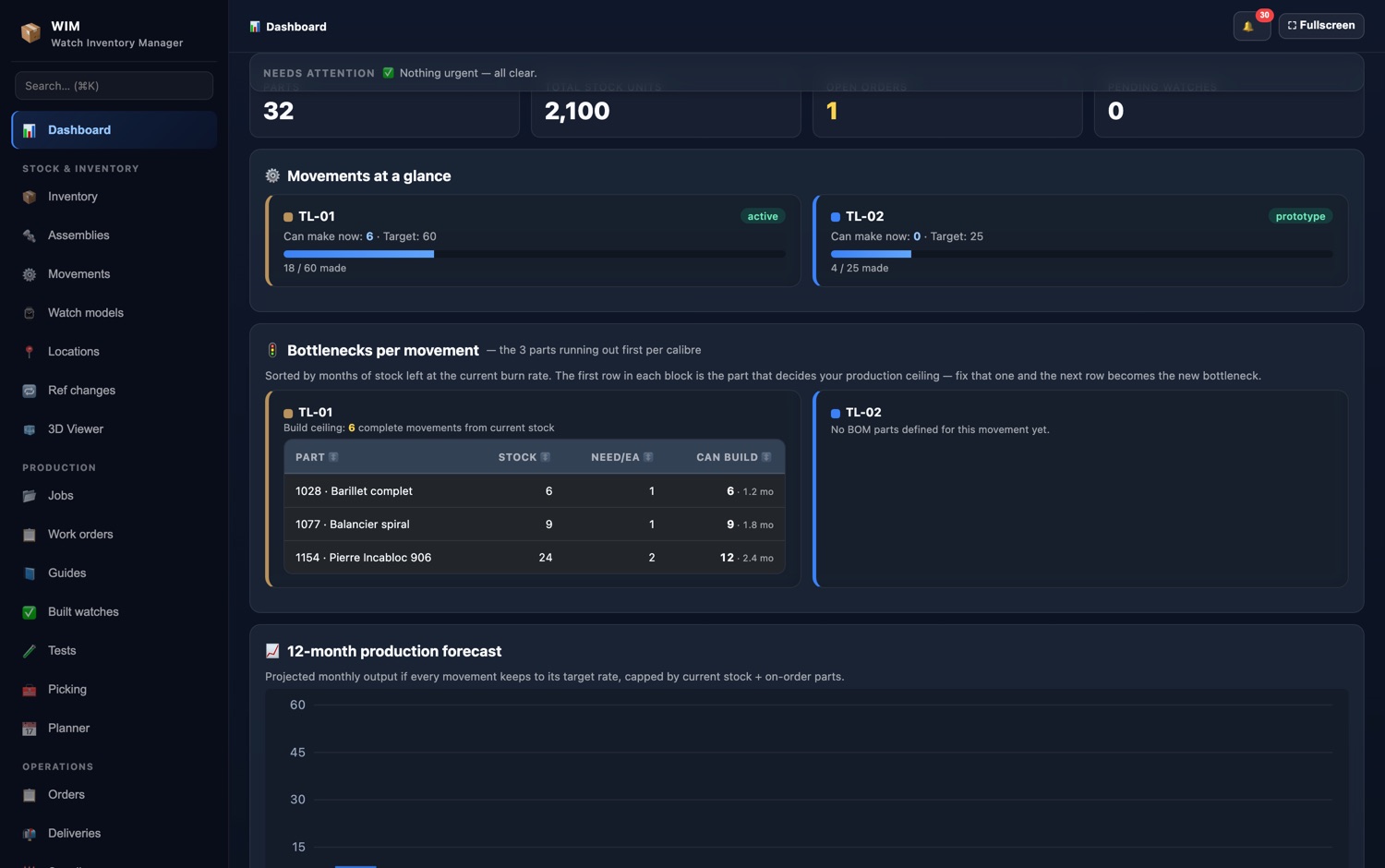
Screenshots taken on a demonstration calibre.
In detail
What WIM does every day.
Production
- A yearly target per calibre, the workshop's pace in watches a month, and the finishing date that follows.
- What you can assemble today with the stock, and the part that holds you up.
- The forecast in months of stock per part, in red, yellow or green.
Stock
- A counting mode for stocktakes, the locations and what is in each box.
- Compatible parts and old part numbers, written-off parts.
- Low-stock alerts, excess stock flagged, and rebalancing between calibres.
Orders
- What to order, worked out with a safety margin and the orders already on the way.
- The draft, the pending orders and receiving, part by part.
- Each supplier's real lead time, measured by itself at every delivery.
After-sales and team
- The parts set aside for after-sales, with the list to print.
- Roles for each person (admin, editor, viewer) and a log of everything that moved.
- Importing your parts file, exports, PDF reports and backups.
Getting started
From the demo to a running workshop.
- i.
A 20-minute demo
On a demonstration calibre, then on yours if you send me its bill of materials.
- ii.
Your data imported
Your Excel or CSV parts file, your calibres and stock: I import it with you.
- iii.
30-day trial
The workshop works with it, at the desk and at the bench, before deciding.
- iv.
Your watchmakers trained
Training on site or by video, and the manuals in French, English, German and Dutch.
Where is our data?
With you, on your computer, with automatic backups. No forced cloud, no dependence on my server.
Can several people work at the same time?
Yes: each person has a role, the office and the bench work on the same data, and the log keeps who did what.
What does it cost?
I give you a price after the demo, depending on the number of calibres and workstations. The 30-day trial commits you to nothing.
Who wrote it?
I did, a watchmaker and head of a workshop. Each screen answers a problem I had at the bench or in the workshop office.
See WIM on your own movement.
A 20-minute guided demo, then a 30-day trial with your own data.
Also for brands
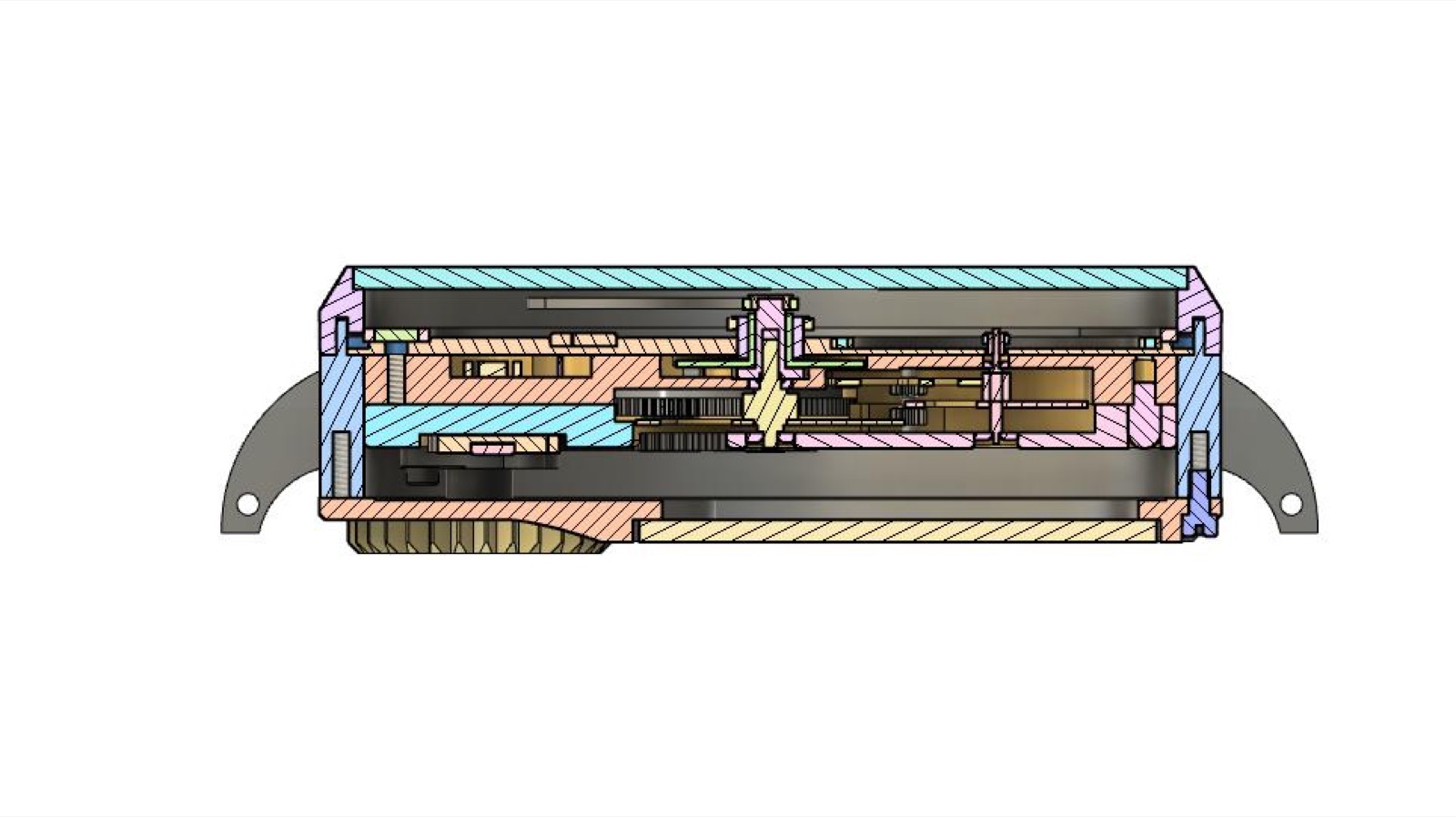
- 3D CAD designParts, cases, movements and tooling.
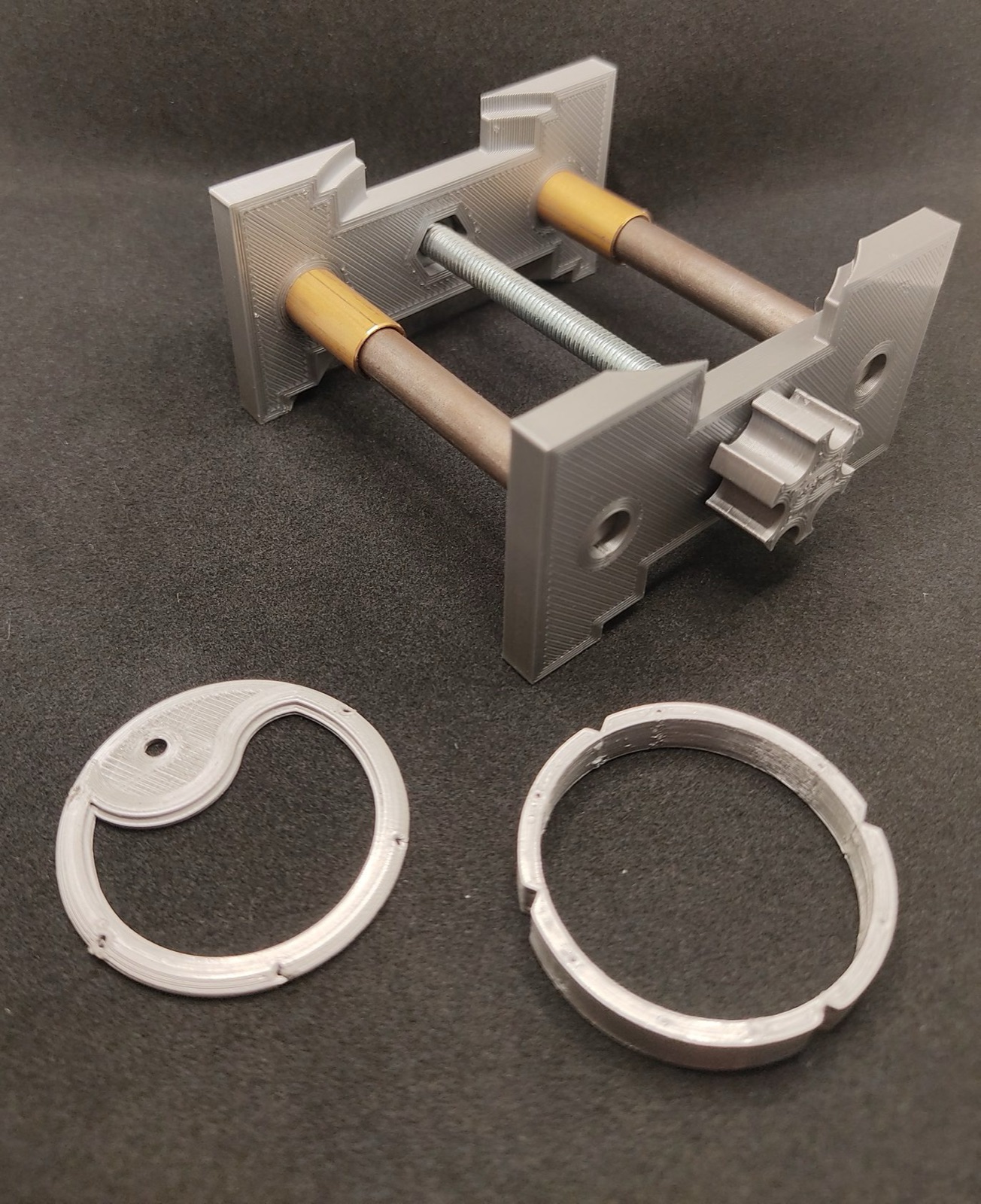
- 3D printingPrototypes and dedicated tooling.
- Manufacturing & subcontractingParts made at the bench, or coordination of subcontractors.
- Assembly, after-sales & consultingAssembly, servicing and brand support.
Contact
Write to me.
- E-mailtristan.ledard@tl-watchmaking.com
- Phone+33 7 60 82 85 21 WhatsApp
- WhatsAppWrite on WhatsApp
- WhereWorkshop in the Netherlands — services by post, online courses anywhere, courses on site in France and Belgium
- Instagram@tl_watchmaking